

-
×
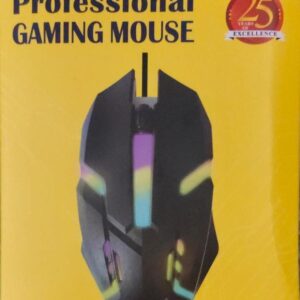 USB WIRED GAMING OPTICAL MOUSE AD-UM-142
1 × ₹135.00
USB WIRED GAMING OPTICAL MOUSE AD-UM-142
1 × ₹135.00
Subtotal: ₹135.00
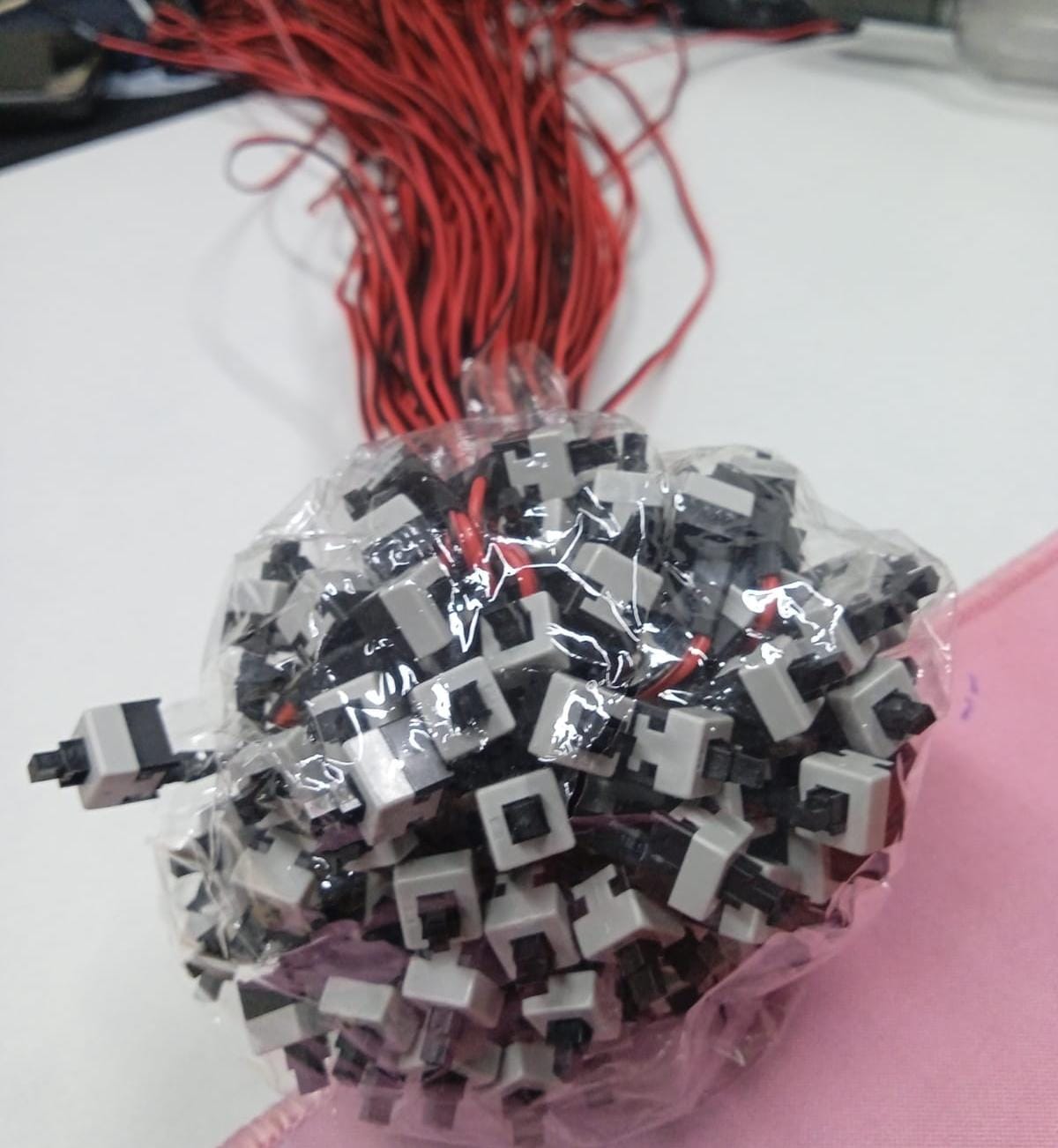

The Connector: A small plastic 2-pin female header, usually labeled “POWER SW” or “RESET SW.”
The Wiring: Typically a twisted pair of black/red or black/white wires.
The Mechanism: Pressing the button bridges the two pins on your motherboard, sending a signal to the Power Management Controller to boot or reboot the system.
₹1,600.00 ₹2,000.00


The ADNet 2-pin switch is a momentary tactile switch. Unlike a light switch that stays “on” or “off,” this only completes the circuit for the split second you are pressing the button.
The Connector: A small plastic 2-pin female header, usually labeled “POWER SW” or “RESET SW.”
The Wiring: Typically a twisted pair of black/red or black/white wires.
The Mechanism: Pressing the button bridges the two pins on your motherboard, sending a signal to the Power Management Controller to boot or reboot the system.
You will find the destination for these pins on the Front Panel Header (JFP1 or F_PANEL) of your motherboard.
| Label | Function | Polarity Matter? |
| Power SW | Turns the PC on/off | No. It’s a simple bridge; orientation doesn’t matter. |
| Reset SW | Forces a hard reboot | No. Orientation doesn’t matter. |
| HDD LED / Power LED | Lights up the case LEDs | Yes. These require specific +/- orientation to light up. |
Pro Tip: If you’re ever testing a motherboard outside of a case and don’t have this switch, you can “jump” the two Power SW pins momentarily with a screwdriver tip to turn the PC on.
| brands | AdNet |
|---|
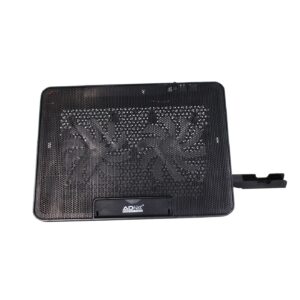
Keeps Your Laptop Cool: The AD-CP-202 Cooling Stand has a fan that cools down your laptop to stop it from overheating.
Improves Laptop Life: By keeping your laptop cool, the AD-CP-202 helps your laptop last longer without getting damaged.
Perfect for Gaming: The AD-CP-202 Cooling Stand is great for gaming laptops because it keeps them cool during long game sessions.
Adjustable Stand: You can change the stand to five angles for a comfortable way to work, play, or watch.
Fits All Laptop Sizes: The AD-CP-202 works with laptops from 9″ to 17″ in size.
Easy to Carry: The AD-CP-202 Cooling Stand is lightweight and easy to move, plus it has an extra USB port for other devices.
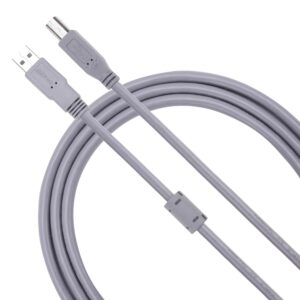
A printer cable is used to connect a printer to a computer or network for data transmission, which provides fast and reliable connectivity. Older printers may use parallel (IEEE 1284) or serial, while network printers use Ethernet (RJ-45) cables for shared access. Wireless options like Wi-Fi and Bluetooth eliminate the need for physical cables.
Expands One Port Into Many: This USB Hub turns one USB port into several ports, so you can plug in more things like a flash drive, mouse, keyboard, or hard drive at the same time.
Connect More Devices Easily: Perfect for using many gadgets together on your computer, laptop, or gaming console without unplugging anything.
Two Power Choices: The hub can work with power from your computer (bus-powered) or with an extra power plug (self-powered) for bigger devices.
Fast Data Transfer: Available in USB 2.0, USB 3.0, and USB-C versions, giving you different speeds for quick file transfers and smooth performance.
Great for All Setups: Works perfectly with laptops, PC desktops, and gaming consoles, making it ideal for school, office, home, or gaming use.
Simple Plug-and-Play: No drivers needed—just plug the hub into your device and start using all the extra ports right away.
Perfect for Everyday Use: Helps you stay organized by keeping all your USB devices connected in one place without hassle.



There are no reviews yet.